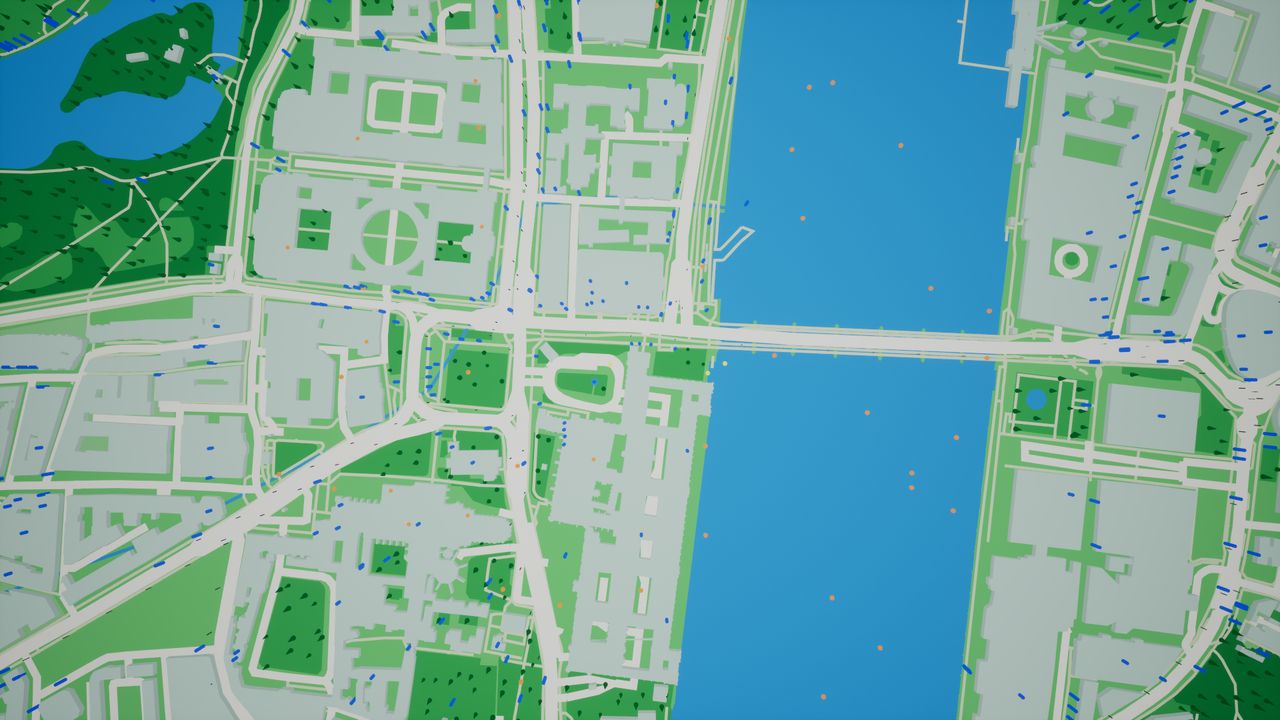
Requirements
| Item | Requirement |
|---|
| Engine | Unreal Engine 5.8 |
| Platforms | Windows (editor and packaged) and Android. iOS and macOS are not supported. |
| Connection | Internet access at runtime. Tiles are downloaded as the player moves and cached on the device. |
| Map data | A provider of vector tiles. Two presets need no account. |
| C++ | Not required. Every feature is available in Blueprint. |
Installation
- Install the plugin from Fab to the engine, or copy the
HitzGeoMap folder into your project's Plugins folder.
- Open Edit > Plugins, search for Hitz GeoMap, tick it and restart the editor.
- In the Content Browser settings turn on Show Plugin Content to see the sample level and materials.
Your First Map
- Open
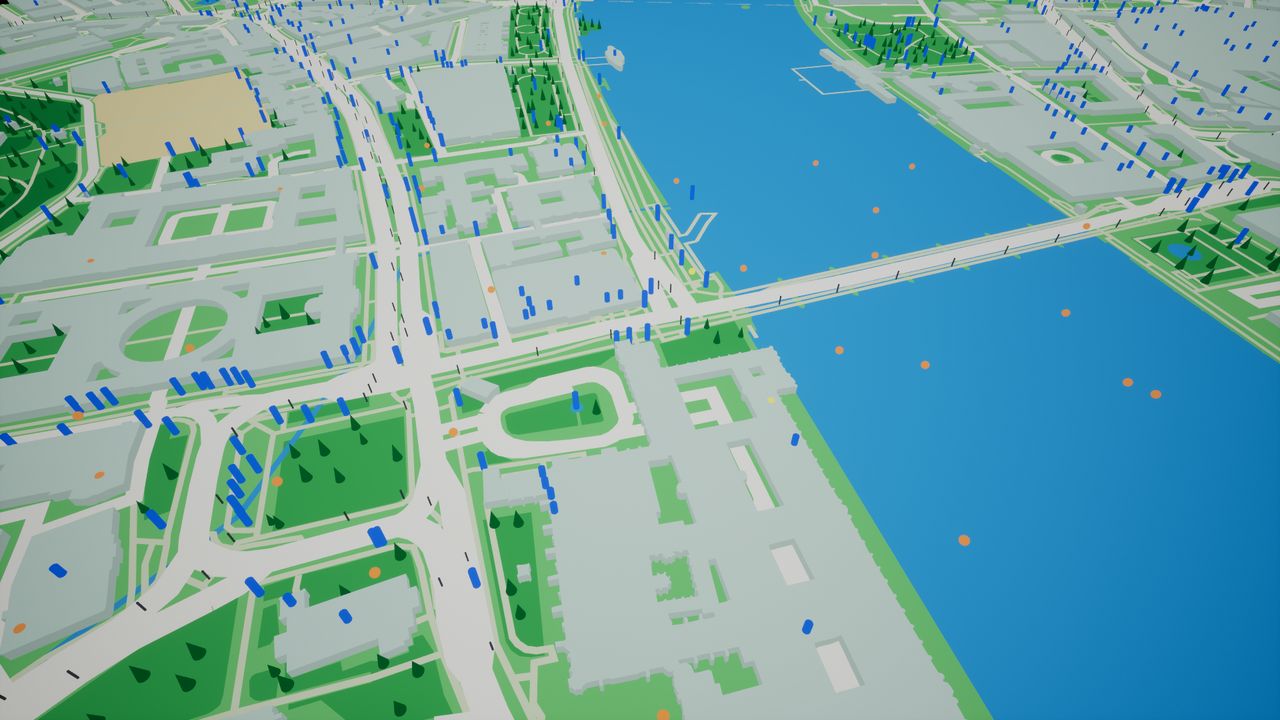
Maps/HGM_Sample in the plugin's content and press Play. Walk with W A S D, drag to orbit, scroll to zoom.
- For your own level, drag an HGM Map Actor into it and set Origin to a latitude and longitude.
- Drag in an HGM Map Player Pawn. It possesses itself, so no game mode is needed.
- Press Play. On a phone the map moves to the player's real position at the first GPS fix.
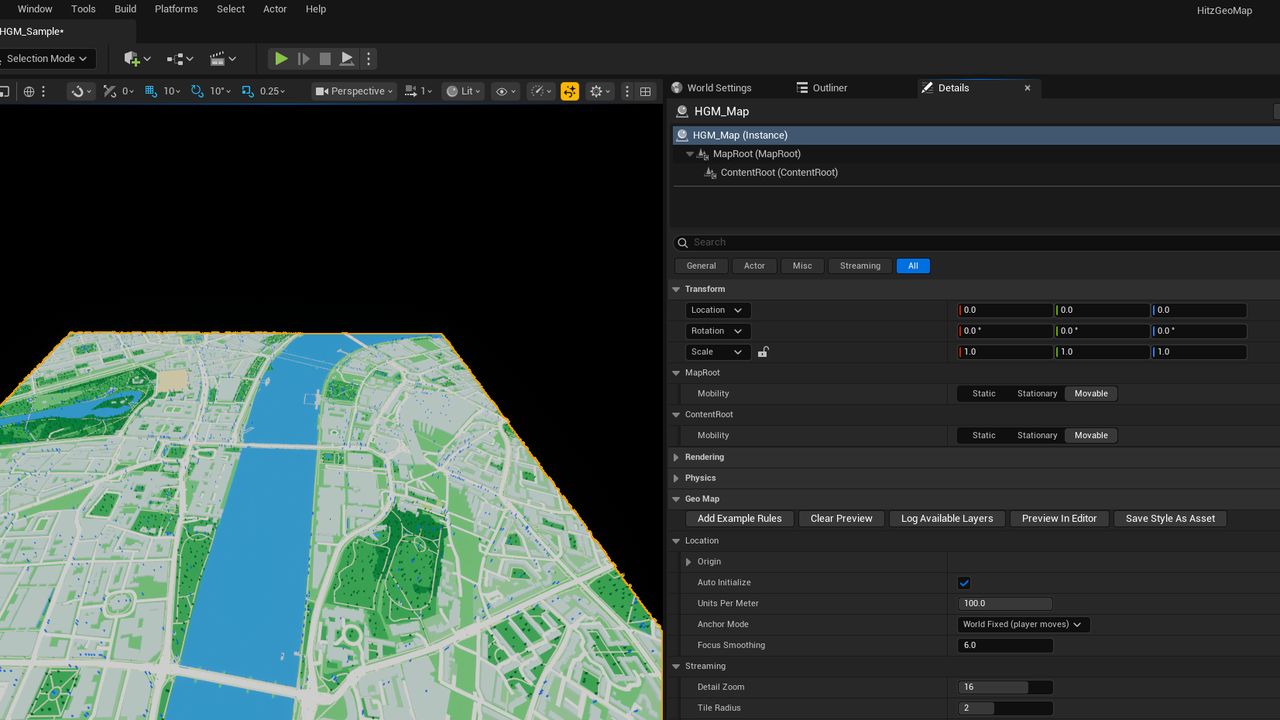
To see the map without pressing Play, select the map actor and click Preview In Editor. Clear Preview removes it.
Map Settings
Everything is on the map actor. Edits in the Details panel apply while the game is running, and each setting has a Blueprint function.
| Setting | Default | What it controls |
|---|
| Detail Zoom | 16 | Detail level, 1 to 20. Each step up halves the ground one tile covers. 16 is street level, about 500 m per tile. Small streets and all buildings exist from 14 up. |
| Tile Radius | 2 | Tiles kept loaded each way from the player. 1 is a 3×3 grid, 2 is 5×5, 4 is 9×9. The grid is always odd because the player's tile is in the middle. |
| Units Per Meter | 100 | World scale. 100 is true scale; 10 gives a tabletop miniature. Everything the map draws or places scales with it. |
| Anchor Mode | World Fixed | World Fixed: the player walks across the map. Keep Centered: the player stays put and the map slides underneath. |
| Follow Target | none | Stream the map around any actor of yours instead of the player. |
| Source Preset | OpenStreetMap | Which provider supplies the map. |
| Show Attribution | on | Shows the provider's credit line in the bottom-right corner. |
More tiles means more downloading and more memory. On a phone a Tile Radius of 2 or 3 is a sensible range.
Providers & Keys
Pick the provider with Source Preset. For a keyed provider, enter your key under Project Settings > Plugins > Hitz GeoMap > Default Access Token, or in Access Token on the map actor.
| Preset | Key | Credit shown |
|---|
| OpenStreetMap | None | © OpenStreetMap contributors |
| VersaTiles | None | © OpenStreetMap contributors |
| MapTiler | MapTiler API key | © MapTiler © OpenStreetMap contributors |
| Stadia Maps | Stadia API key | © Stadia Maps © OpenMapTiles © OpenStreetMap |
| Mapbox Streets v8 | Mapbox public token | © Mapbox © OpenStreetMap |
Do not ship a commercial game on a no-key preset alone. Those servers are free, come with no guarantee, and can limit or withdraw access. Use them to build and test, then switch to a provider with a commercial plan or host the tiles yourself.
- Use a public key only. A key can be read from a packaged game.
- The provider's credit must stay on screen. If you turn Show Attribution off, show it in your own UI.
- Mapbox also asks for its logo and linked credits on screen. The plugin shows the text; the logo and links are yours to add.
Any other server
Set Source Preset to Custom and fill in Custom Source: the address with {z}, {x}, {y} and optionally {token}, the credit line, and the zoom range. Then set Custom Layer Names to the layout the server follows.
| Custom Layer Names | Used by |
|---|
| Shortbread | OpenStreetMap's server, VersaTiles, Geofabrik |
| OpenMapTiles | MapTiler, Stadia Maps, most self-hosted servers |
| Mapbox Streets v8 | Mapbox |
| Other | Anything else. Build the map with Custom Rules. |
Styling Layers
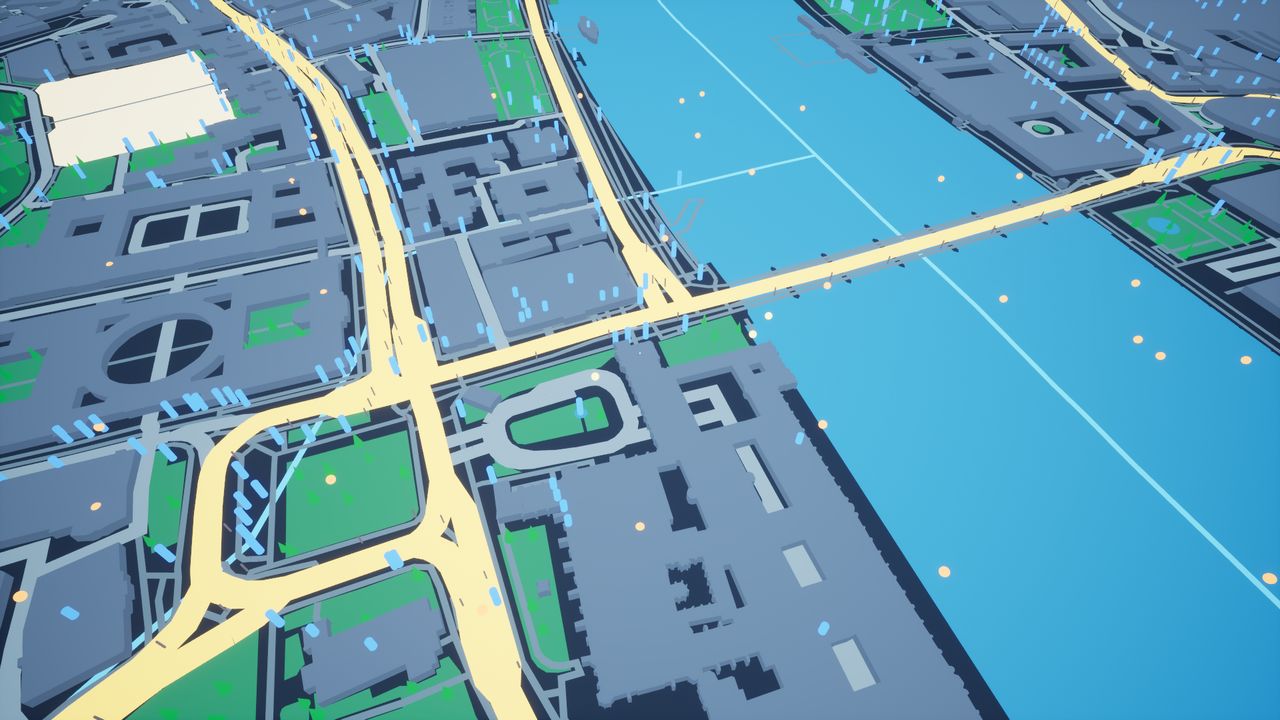
The Map Layers list holds the 13 built-in layers: Highways, Main Roads, Streets, Paths, Rail, Waterways, Water, Forest, Parks, Farmland, Sand, Built-Up Land and Buildings.
| Field | What it does |
|---|
| Visible | Show or hide the layer. Instant. |
| Color | Tint. Instant. |
| Material | Your own material. Give it a vector parameter named Color to keep tinting. |
| Width Meters | Roads and other lines: width. |
| Outline Width Meters | Roads and other lines: a darker edge underneath, as on a printed road map. |
| Height Scale | Buildings: multiplies every height. |
At runtime use Set Layer Visible, Set Layer Color and Set Ground Color. Press Save Style As Asset to write the current look to an asset you can assign to other maps.
Placing Meshes
A Custom Rule on the map actor turns the features of one provider layer into geometry or placed objects.
- Set Source Layer to the provider's layer name. Click Log Available Layers during Play to print every name.
- Set Mode to Instanced Meshes and pick your Static Mesh.
- For areas such as forests, turn on Scatter Inside and set Density Per Hectare. For lines such as roads, set Spacing Meters.
- Size it with Placement Scale and Random Scale Range. Sizes follow the world scale.
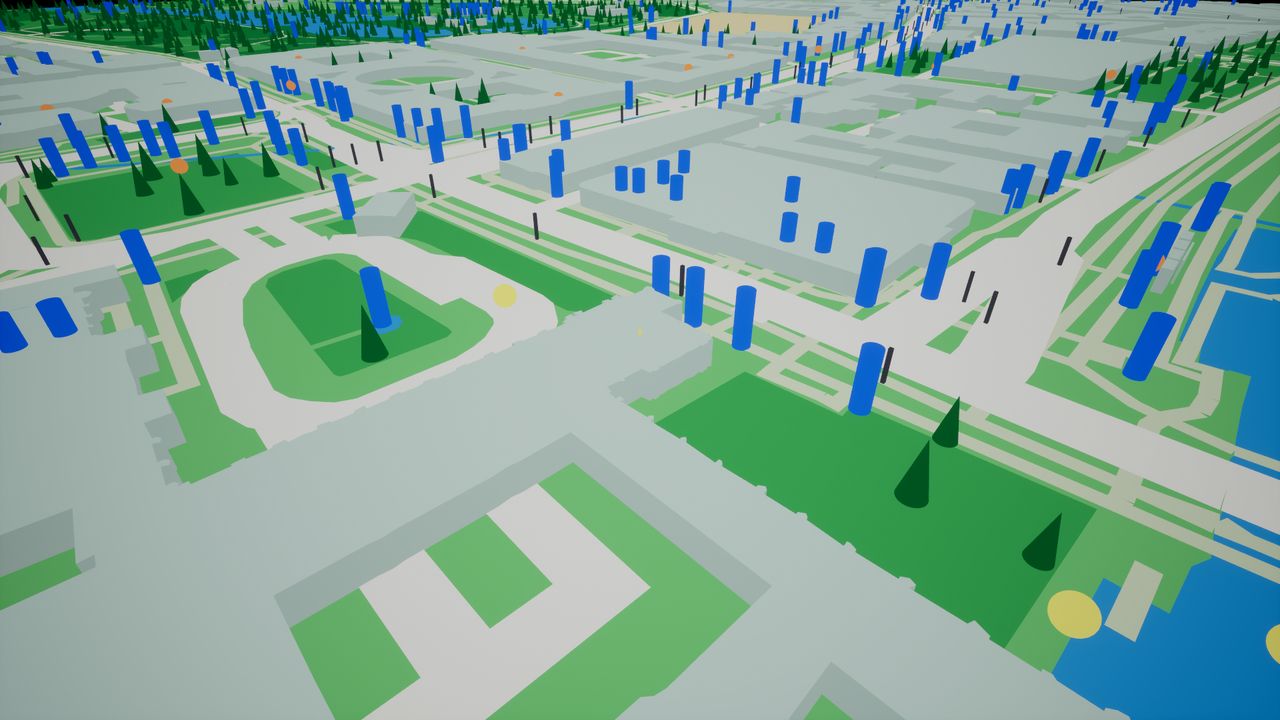
Add Example Rules gives you working trees, road posts and point-of-interest markers to copy from. Other modes draw flat areas, raised shapes or strips, or spawn an actor class on each feature.
Spawning Actors
Add an HGM Actor Spawner and list your actor classes in Entries.
| Setting | What it does |
|---|
| Source: Random Grid | Positions spread around the player. The same seed, place and time give the same spawns on every device. |
| Source: Map Features | On real places. Type the provider's layer name in Feature Layer, for example pois or poi_label. |
| Radius Meters | How far from the player actors appear. |
| Cycle Seconds | How often the set of spawns changes. |
| Min Spacing Meters | Keeps spawns apart. |
| Fixed Spawns | Hand-placed spawns. Add more at runtime with Add Fixed Spawn, for content from your server. |
Keeping a place collected
Every spawned actor has a Spawn Id that is the same on every device and in every session. When the player collects an actor, call Get Spawn Id, then Block Spawn Id, and save the Id. When the game loads, call Block Spawn Id for each saved Id.
Making an actor usable
Implement the HGM Interactable interface on it. The pawn's interaction component reports when it comes within reach and calls it when the player taps it. To pin any other actor to a coordinate, add an HGM Geo Anchor component.
Player & GPS
Use the supplied pawn, or add its components to your own. Each works without the others.
| Component | Purpose |
|---|
| HGM Location | GPS on a phone, simulated position in the editor. Reports speed, heading and distance walked. |
| HGM Interaction | Finds usable actors within a radius in real metres. |
| HGM Map Camera Rig | Follow Orbit, Top Down and Free Browse camera. |
| HGM Map Camera | The camera to attach to the rig. Keeps distant roads from flickering on phones. |
| HGM Map Input | Drag to orbit, pinch or wheel to zoom, tap to use, W A S D to walk the simulated player. |
Bind On Status Changed on the location component to tell the player what is happening:
| Status | Meaning |
|---|
| Permission Needed | The player has not allowed location for the app. |
| Location Off | Location is switched off on the device. |
| Waiting For Fix | Listening, no position yet. Indoors this can take a while. |
| Tracking | Positions are arriving. |
| Simulated | Editor or desktop: positions come from the simulation. |
HUD & UI
From any Widget Blueprint, get the HGM Map Events subsystem and bind what you need.
| Event | Fires when |
|---|
| On Player Stats | A few times a second, with position, speed, heading and distance walked. |
| On Interactable Range Changed | Something usable came into or went out of reach. |
| On Interact Result | The player tried to use something. |
| On Attribution Changed | The provider's credit line changed. |
| On Map Error | A tile download failed. |
For buttons, call the functions on the pawn's HGM Map Input component: Recenter Camera, Cycle Camera Mode, Zoom Camera, Set Virtual Stick Input, Interact With Nearest.
The map actor has its own events for streaming: On Map Ready, On Focus Tile Changed, On Tile Loaded and On Tile Unloaded.
Android
- The plugin adds the location permissions to your app and asks the player the first time location starts.
- It reads GPS, network location and the compass directly from Android. Do not enable the engine's Location Services plugins.
- Location stops while the app is in the background and resumes when it returns.
- A stationary phone's GPS wanders by a metre or two. The plugin ignores that, so the player stays still and no false distance is counted.
- In Project Settings > Android, turn on Package game data inside .apk unless you distribute through Google Play with expansion files.
Troubleshooting
| Symptom | Cause and fix |
|---|
| Only flat ground, no roads | The provider's layer names do not match. With Custom, set Custom Layer Names; run Log Available Layers to see what the server sends. |
| Nothing loads at all | No connection, or the key is missing. Bind On Map Error: 401 and 403 mean a key problem, 429 means the quota was exceeded. |
| Player stays at the sample location on a phone | No GPS position yet. Check Get Status on the location component: permission, location switched off, or still waiting. |
| Roads flicker in the distance on a phone | The camera is a standard one. Use HGM Map Camera on the rig. |
| "No Google Play Store Key" at launch | The game's data file is not on the device. Turn on Package game data inside .apk. |
| No buildings or small streets | Detail Zoom is below 14, where providers leave them out. |
| Spawned actors come back after being collected | They return each cycle by design. Call Block Spawn Id to keep a place empty. |